One list for everyone
Add a product, even when someone is already at the shop. While you’re online, changes appear on your shared list.
One home. Everyday teamwork.
You don’t have to keep everything in your head. Share the chores, keep bills in view and shop with a list your whole household can see.
Already have an account? Open your existing home.
Sound familiar?
Your home is a shared space. Keeping it organised can be shared too.
Add a product, even when someone is already at the shop. While you’re online, changes appear on your shared list.
Assign a task, add a due date and leave a note. Everyone knows what needs doing, without searching through messages.
Record the amount and date, set a repeat and mark it paid. Your next due dates are close at hand.
See HomeFlow in action
Choose something you’d like to make easier today. These are real screens from the HomeFlow app.
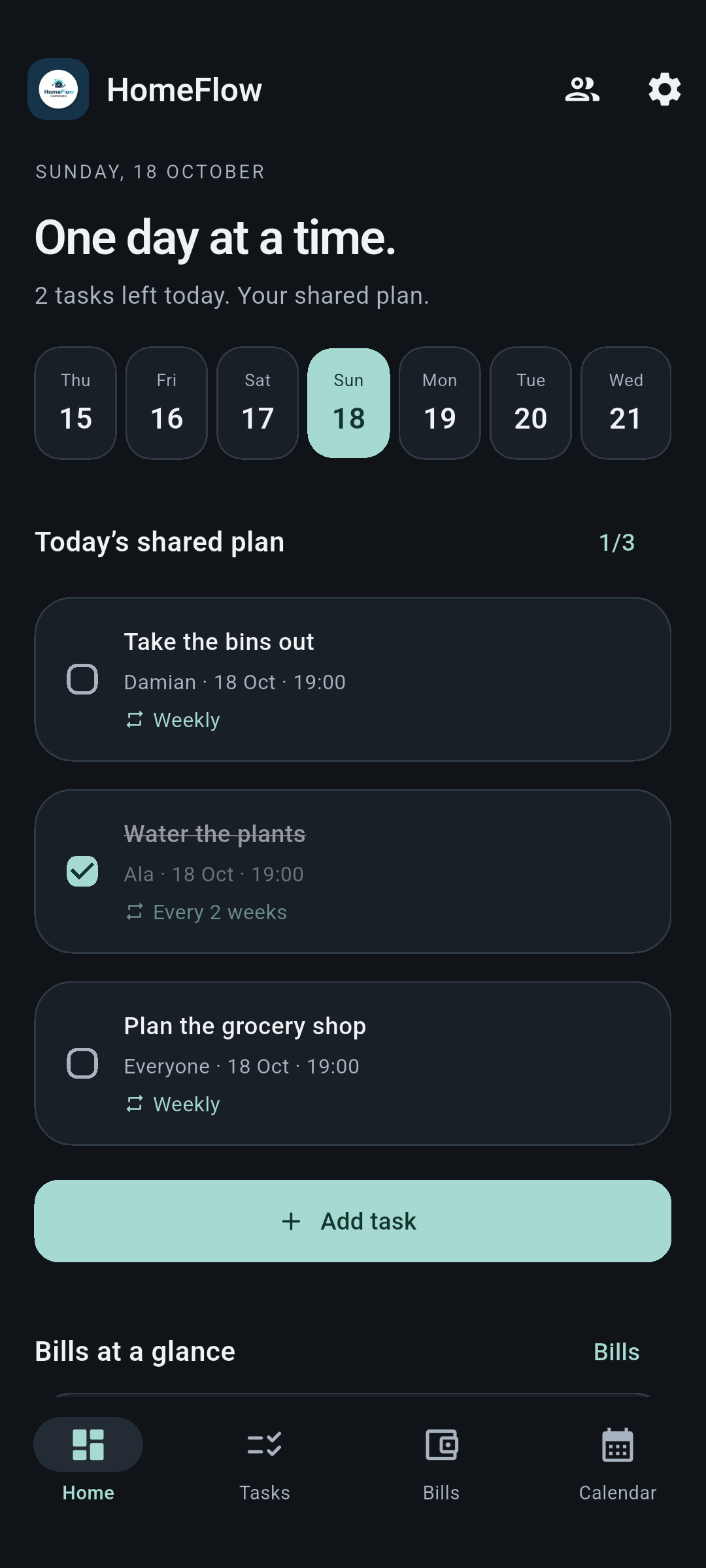
Share responsibilities, then get on with your day. Today’s plan helps you start with what matters.
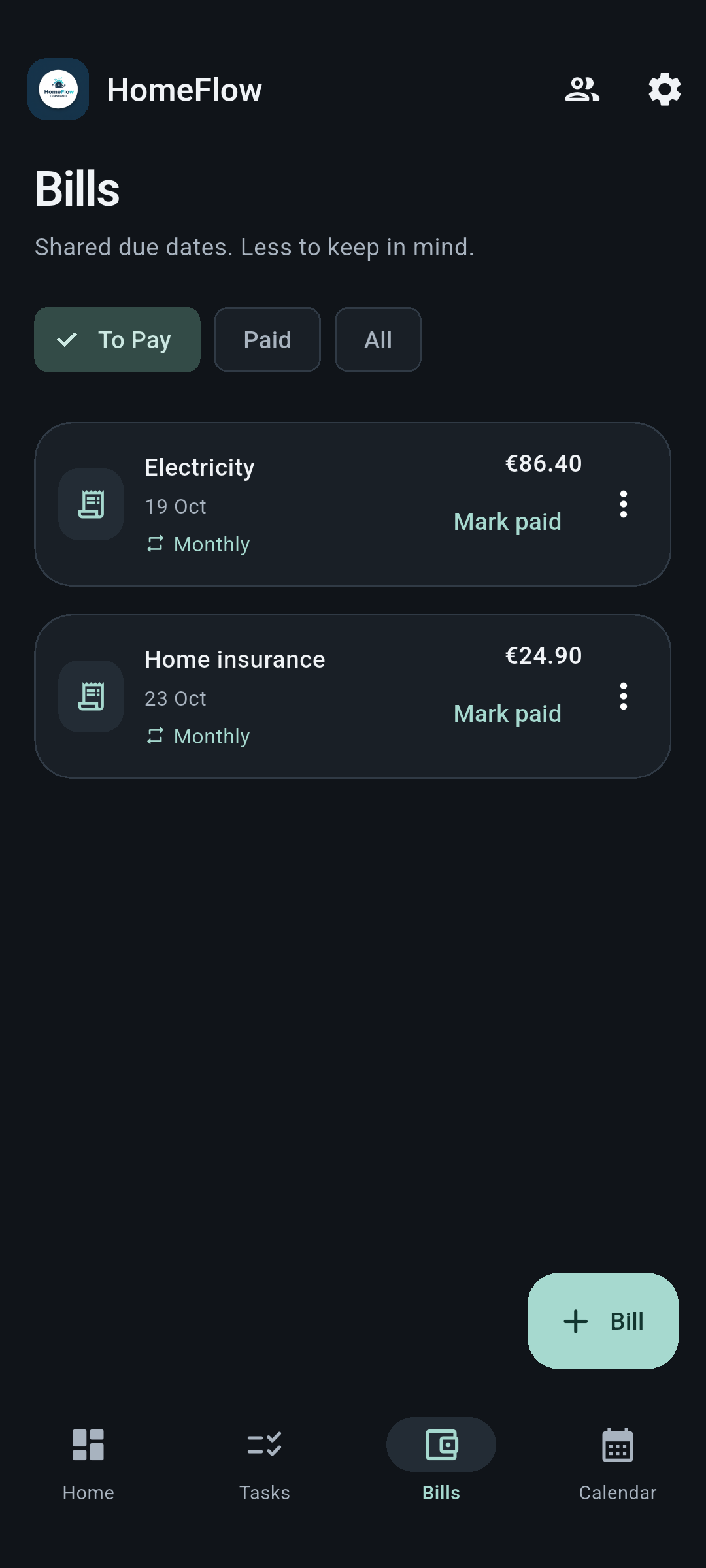
Electricity, internet, rent. Bring amounts and dates together instead of trying to remember them all.
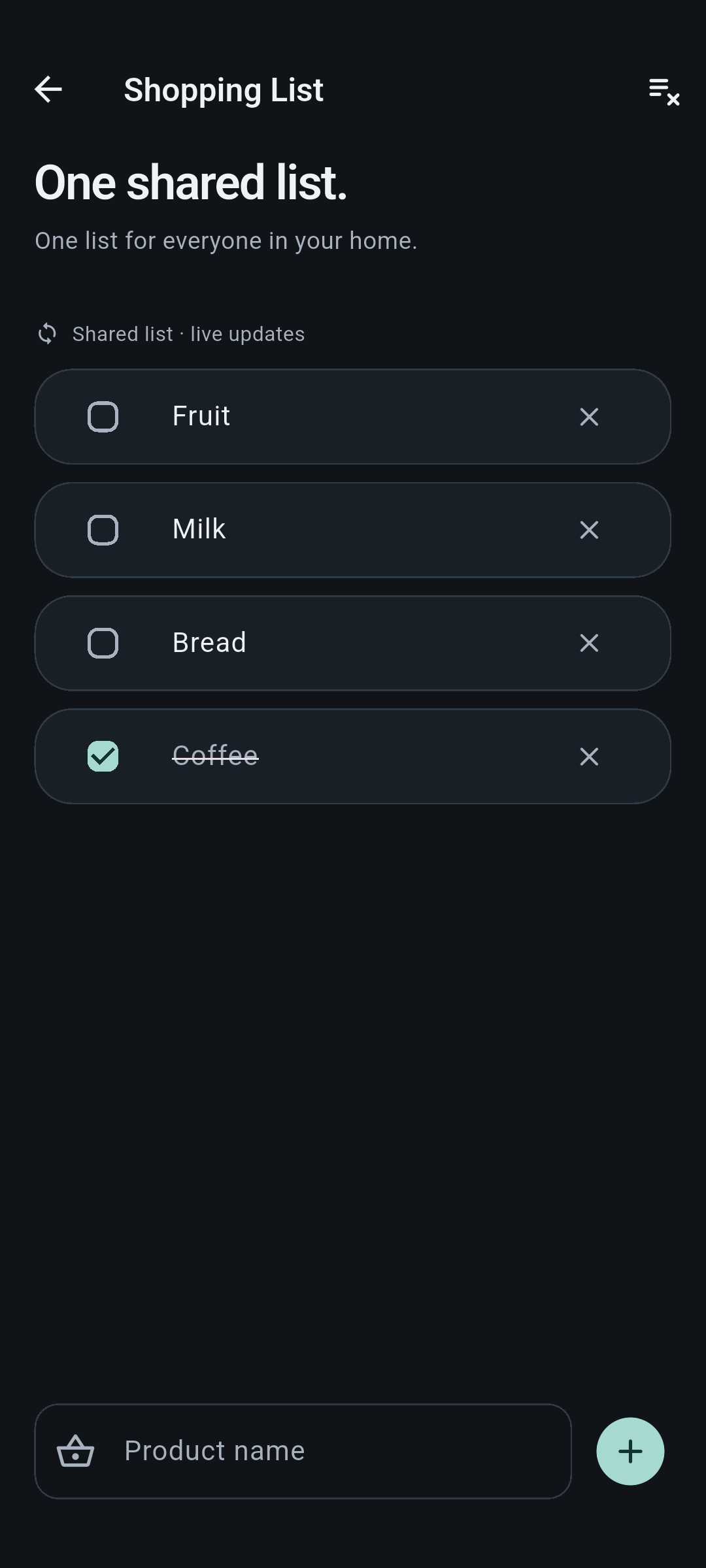
You pick the products while your household adds what’s missing. A shared list helps you get it all in one trip.
Where to begin?
Create an account and a place for everyday household plans.
Everyone joins the same home and sees the shared plan.
A task, bill or shopping item. Start with something useful today.
Good to know
Yes. People who have joined the same home use one shared list. Added and checked-off products sync live while they are online.
Choose a daily, weekly, fortnightly or monthly repeat. Completing a task or marking a bill paid creates its next occurrence on the appropriate date.
Yes, in your browser. You can also get the Android app from Google Play. Choose what suits you and use your existing home.
You can set reminders in the Android app. Delivery depends on phone permissions and settings. In your browser you can use your plan, due dates and sync; browser push notifications are not currently supported.
No. HomeFlow keeps amounts, dates and payment status organised. Make the payment with your provider, then mark the bill paid.
HomeFlow · powered by DamoTools
Start with one shared list. Find your own rhythm for the rest.
Created by DamoTools
HomeFlow is an app by DamoTools. Meet the brand behind the project and explore what else we do.
Meet DamoTools